
What is ClickSWITCH?
ClickSWITCH is an online service that helps you securely and conveniently switch your direct deposits
and automatic payments from your old account to your Bank of Hope account through digital banking.

Move Direct Deposits
- Paychecks
- Social Security Benefits
- Dividend from Investment Accounts

- Cell Phone
- Car Loan Payment
- Utility Bills
ClickSWITCH makes it easy!
Get started with these simple steps:
- Gather your direct deposit and automatic payment information. A recent bank statement is a great way to identify this information.
- Log into Online Banking.
- From the Services menu, select the "Switch Direct Deposits / Payments" button to get started.
Set-up typically takes about 90 seconds, and most switches are complete with 5-15 business days.
Your ClickSWITCH dashboard will help you track progress!
Bank of Hope ClickSWITCH FAQs
Customer Contact Center
Hours (PST)
Monday to Friday: 5:30 AM – 6:00 PM
Saturday: 6:00 AM – 1:00 PM
Customer Contact Center
1-855-325-2226
Hours (PST)
- Monday to Friday: 5:30 AM – 6:00 PM
- Saturday: 6:00 AM – 1:00 PM
-

VISA® $0 fraud liability
You're protected from unauthorized transactions online, in-store, by phone, and at ATMs.
-

Over 75,000 Surcharge-Free ATMs
Access 75,000+ surcharge-free Bank of Hope, AllPoint® and MoneyPass® ATMs1.
-

Contactless Payments
A fast and secure way to pay – just tap your card and go or add it to your digital wallet for even more convenience.
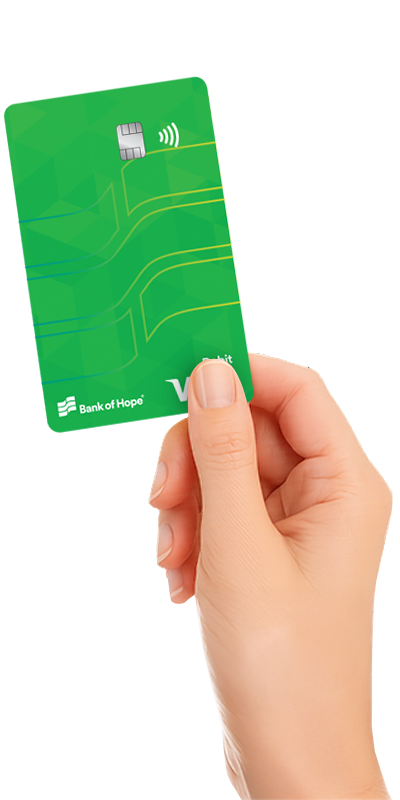
Spend Securely with Your VISA® Debit Card
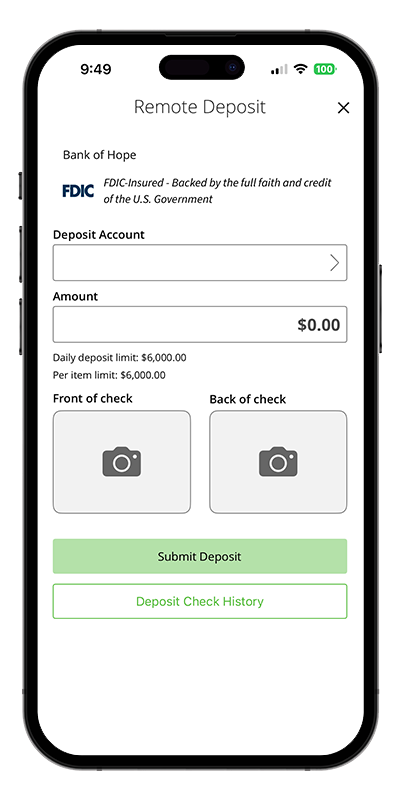
Safe and Simple Digital Banking At Your Fingertips
-

Mobile Deposit
Conveniently deposit checks from the comfort of your home
-

Bill Pay & Zelle®
Pay bills and send or receive money from people for free in just a few clicks.
-

Debit Card Controls & Alerts
Manage your spending limits, set alerts and lock your card when needed.
-

Account Alerts
Custom alerts help you track activity to keep your account secure.
-

Safe & Secure
Modern security features to keep your account and information safe and private.
Open an Account Online in 3 Easy Steps
To open an account, you must be a U.S. citizen or a legal resident.
Complete our quick online application, and we’ll ask for some personal details as required by law to verify your identity and protect against fraud.
Next, you’ll review and sign the agreements—just the legal stuff that makes your new account official.
Then, transfer money into your new account and enroll in online banking.
I’d prefer to Make an Appointment to Open an Account with a Care Team member.
Want to Connect?
Phone Us
Mon-Fri: 5:30 am - 6:00 pm (PST)
Sat: 6:00 am - 1:00 pm (PST)
Email Us
A team member will be in touch shortly.
Visit us
Please find a branch near you.
(Closed Sundays and Holidays)
Disclaimer
1ATM access through Bank of Hope, Allpoint®, and MoneyPass® networks is provided at no charge. Fees may apply for transactions conducted through other ATM networks and may vary depending on the network provider.
